
Documents
Included in every planPreview
Your reports and documents. One secure portal.
Share PDFs, spreadsheets, images and other files right next to your Power BI reports — with your team, your clients and your partners. Folder by folder, you decide who sees what.
30-day free trial of the Embedsy Portal. Prefer a live walkthrough? Book a free demo.
Reports in one place, documents everywhere else
Files go out as attachments
The contract, the price list and the manual travel by email, so nobody can tell which copy is current.
Shared drives nobody can find
A folder somewhere in the file server works for the team that built it, and for nobody else.
Another login for clients
Giving customers and partners a file-sharing account means another system to manage and another password for them to lose.
Bring it all together
The portal already decides who may see which report. Documents use the same roles, so the files follow the access rules you have set up.
Right next to the reports
Documents sit in the same menu as your Power BI reports, paginated reports and other pages.
Access per folder, per role
Choose which roles see each folder, and whether they can only view it or change what's in it. Clients see their own documents; the team keeps them up to date.
Stored in your own Azure
Files live in the storage account in your own Azure subscription, alongside the rest of the portal. They never leave your Microsoft cloud.
No public links
There is no shareable URL to leak. A file opens only for a signed-in user whose role allows it.
Set up in minutes, not an IT project
Create folders
Organise documents the way the business already works — by client, by team, by topic.
Give access
Decide which roles see each folder, and which of them may add or change files.
Drag and drop files
Upload PDFs, spreadsheets, images and more. Set the file types and size limits you allow, and keep an eye on how much storage is used.
Folder access and inherited permissions, allowed file types and size limits, and how to check what a role sees before you share anything. See the full setup walkthrough →
What it looks like
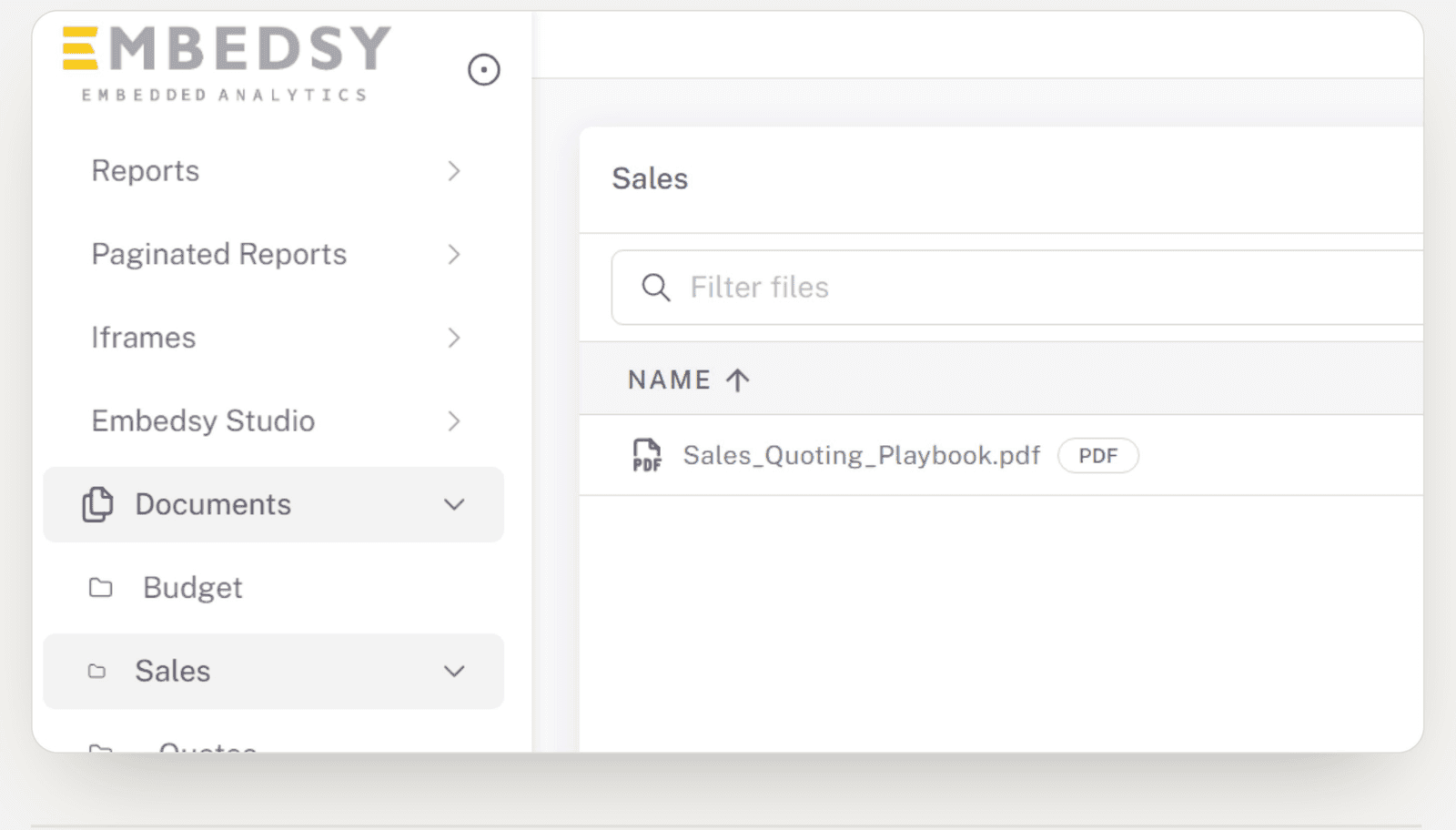
In the menu, beside the reports
Users find documents where they already look for their reports, in folders you control.
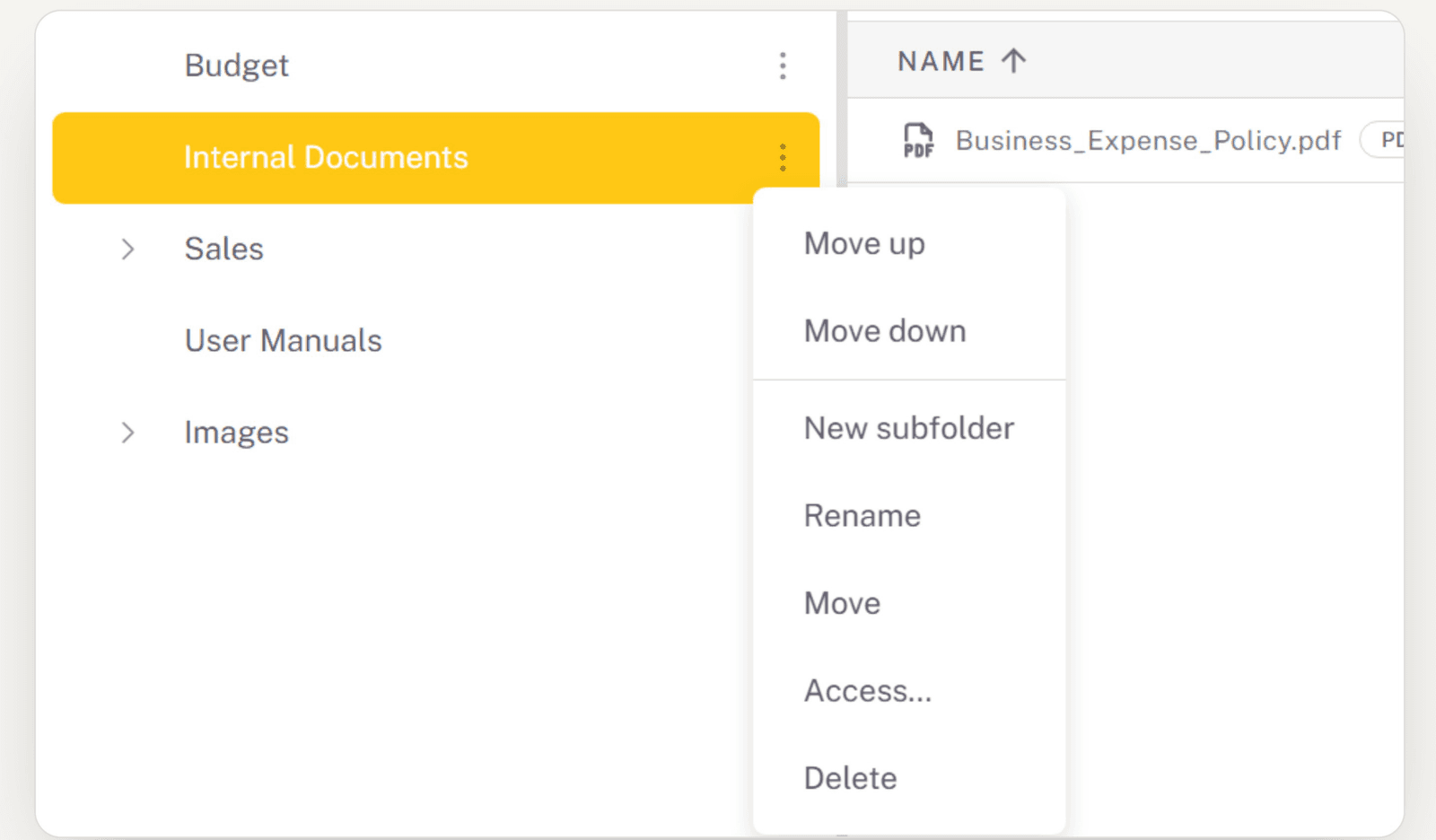
Simple to manage
Add subfolders, rename, move and set access from one menu. Drag and drop files straight in.
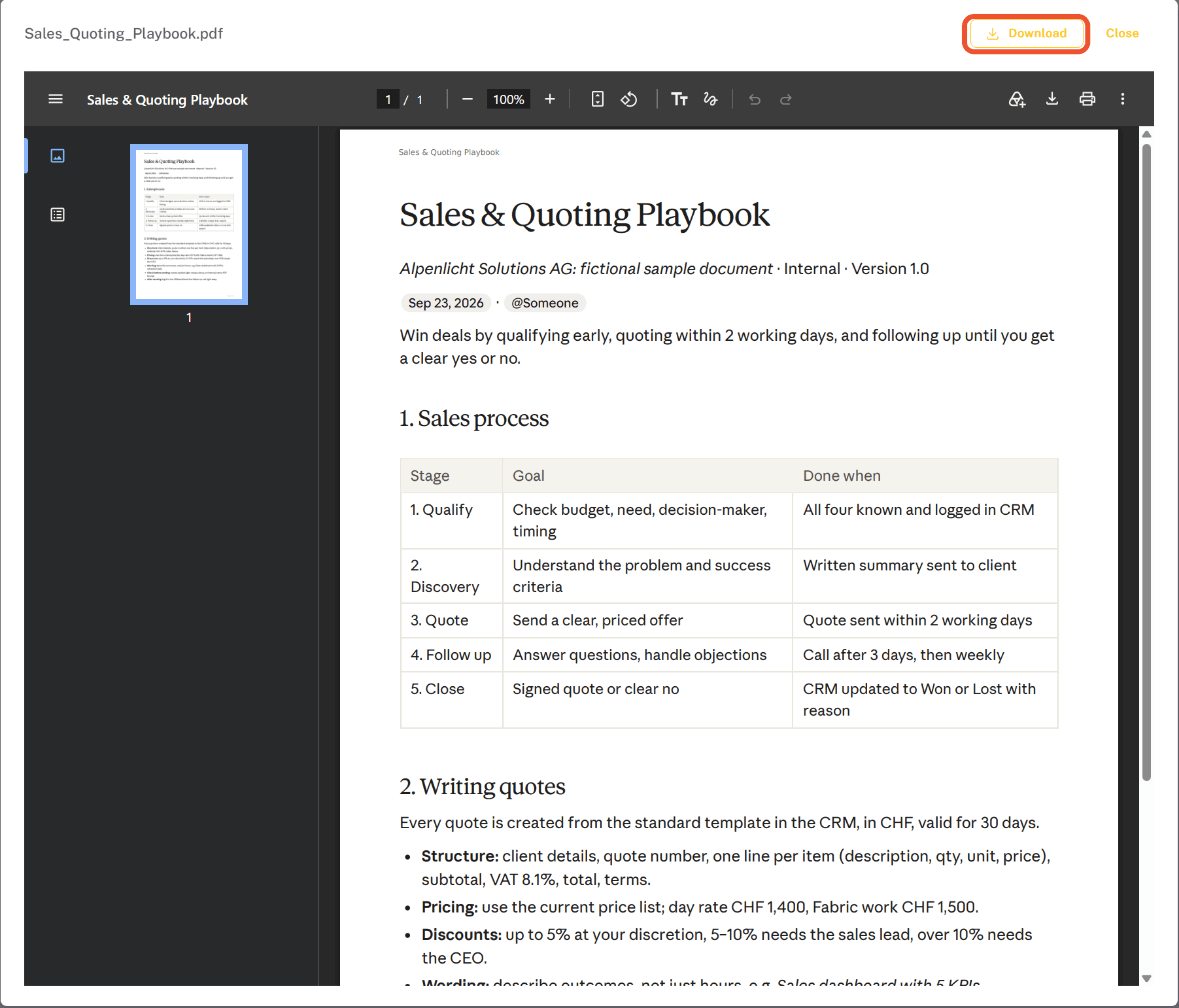
Open a file without leaving the portal
A document opens in the portal, with a download when someone needs their own copy.
Included in every plan
Documents is part of the Embedsy Portal, not a paid add-on. Every plan has it, including the free trial. It is newly released and still evolving, so expect it to keep improving. See what the plans cost.
One portal. Reports and documents.
Give your users everything they need in one place — secure, simple, and in your own environment.
Prefer a live walkthrough? Book a free demo