
Client Branding
Included in every plan
One portal. Every client in their own brand.
Serve all your clients from a single Power BI portal and give each of them their own logo, favicon, colors and even the loading spinner. For your clients it looks like their own analytics portal; for you it is one portal to run.
No separate portal per client, and no chasing clients for logo files: the portal can read their brand from their website.
30-day free trial of the Embedsy Portal. Prefer a live walkthrough? Book a free demo.
Their brand, your portal
The portal already knows which client a user belongs to, because that is how it decides which reports they see. Branding uses the same roles, so every user automatically gets their client's look.
Branding follows the role
Each client's role, or Entra group, gets its own logo, favicon, colors and even the loading spinner. Users see their brand from the moment they sign in.
From a website in seconds
Enter the client's domain. The portal picks up their logo, favicon and colors from the website and builds a matching design. Review it, adjust it, apply it.
A new client branded in minutes
Give the client a role
Create a role for the client and choose which reports and pages it sees, as you already do for access.
Generate or upload the branding
Let the portal read the brand from the client's website, or set the logo, favicon, colors and loading spinner yourself.
Check how it looks
Preview the portal exactly as the client will see it with View As Role.
Every branding setting, login page images and how auto-generation works. See the full setup walkthrough →
What it looks like
What your client sees
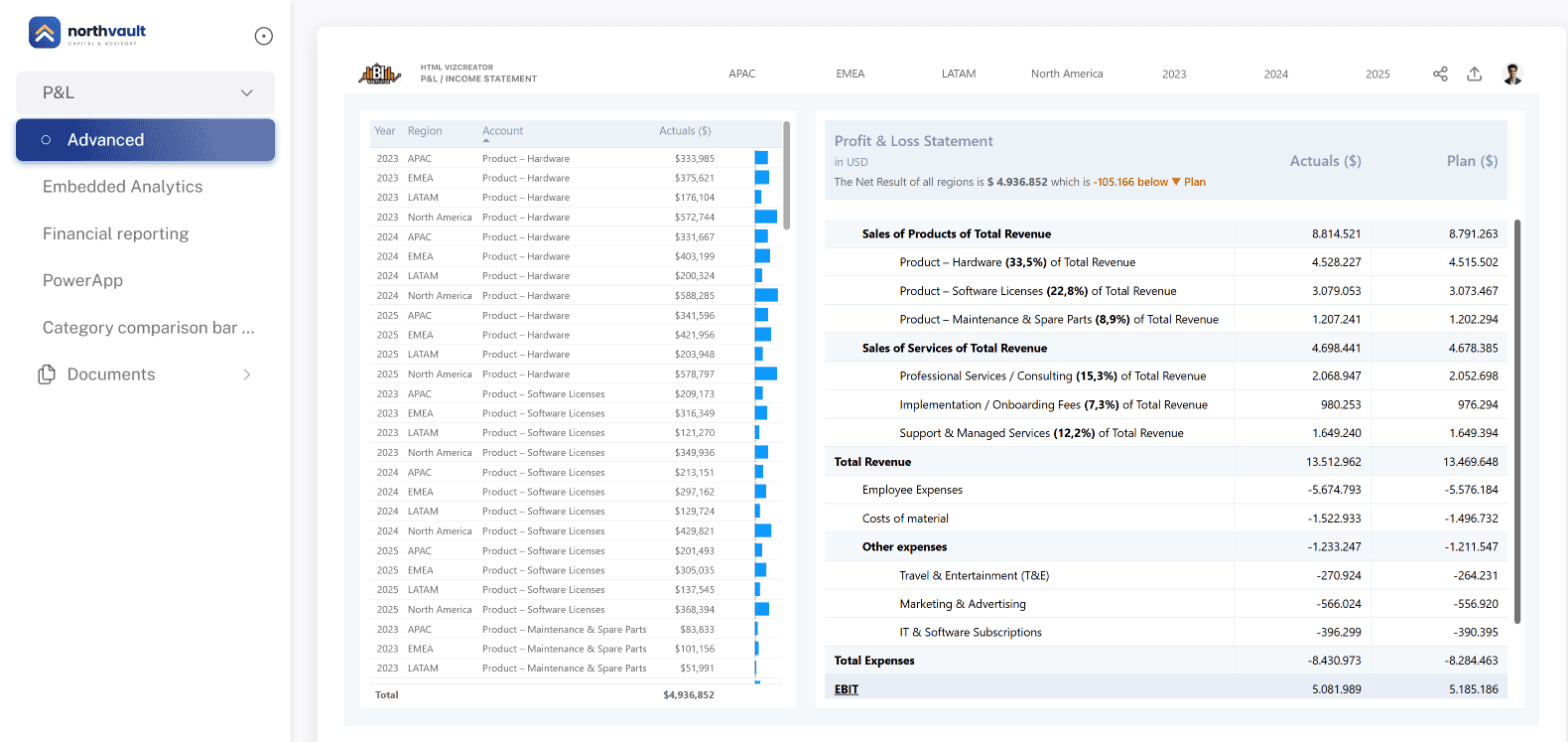
The portal as a user of the Finance role sees it: their own logo and brand color, around their reports.
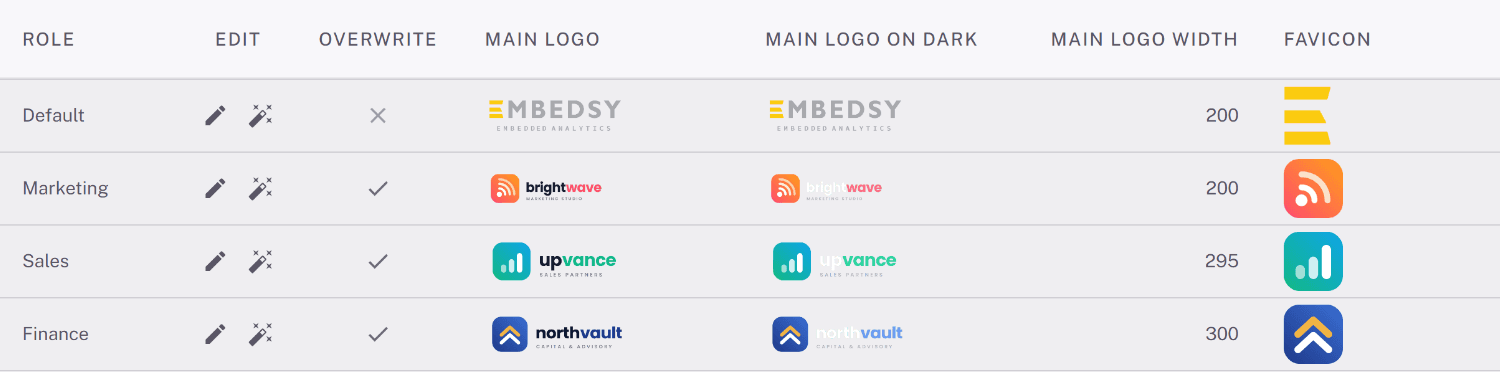
Every client in one table
Logo, favicon, colors and loading spinner per role, managed side by side in one place.
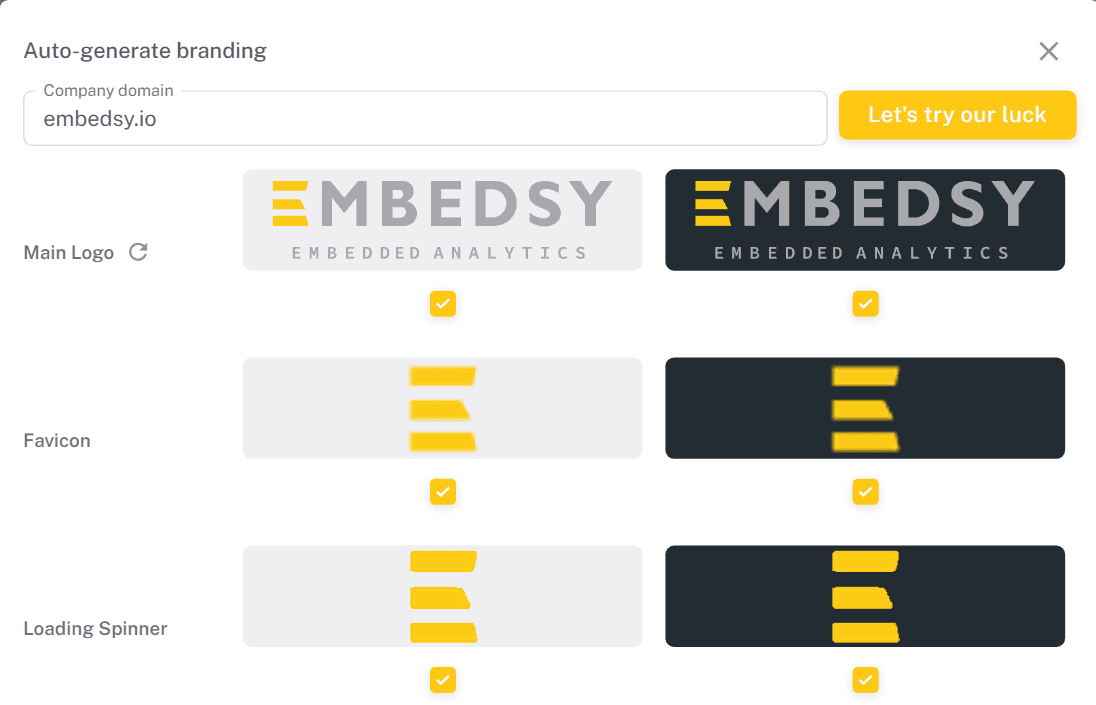
Branding from a website
Enter a domain and get the logo, favicon and loading spinner, ready to apply.
Included in every plan
Branding per client is part of the Embedsy Portal, not a paid add-on. Every plan includes it. See what the plans cost.
Learn more
Planning a white-label portal? Read how to build a white-label Power BI portal.
One portal. Every client's brand.
Give each client an analytics portal that looks like their own.
Prefer a live walkthrough? Book a free demo