


Configuring Power BI/Fabric Workspaces
The Embedsy Portal can only show reports from workspaces the Service Principal has access to. Add the Entra security group (or the Service Principal itself) as a Member of every Power BI or Fabric workspace the portal should use.
- Open the workspace in Power BI or Fabric and select Manage access.
- Select Add people or groups, search for the security group, choose the Member role and select Add.
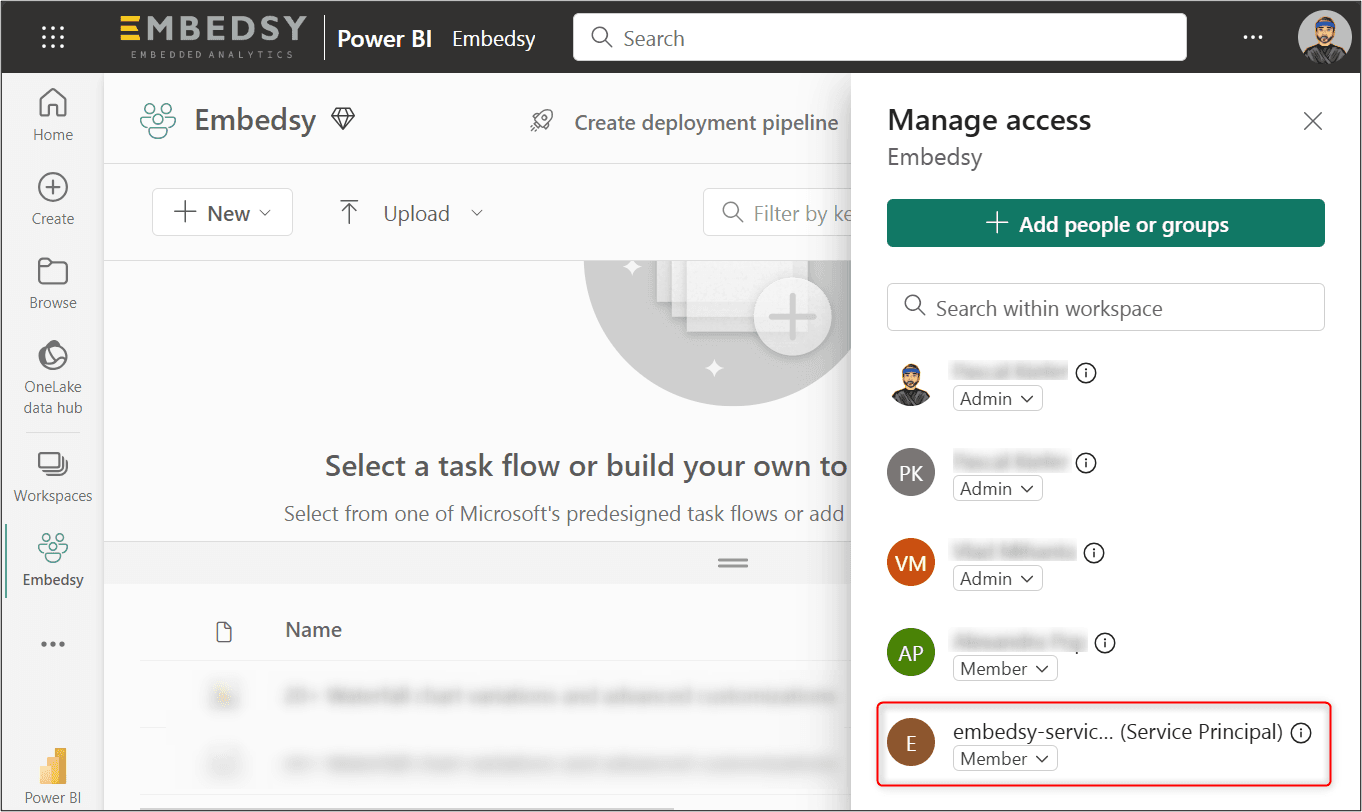
- Repeat for every workspace. If a report uses a semantic model in another workspace, add the group to that workspace too.
Put the workspaces on your Fabric or Power BI Embedded capacity. Without a capacity, Microsoft only allows embedding for development and testing. You assign the capacity in the workspace settings.
Finally, enter the Service Principal's client ID and secret in the portal.